 ™

Why it matters
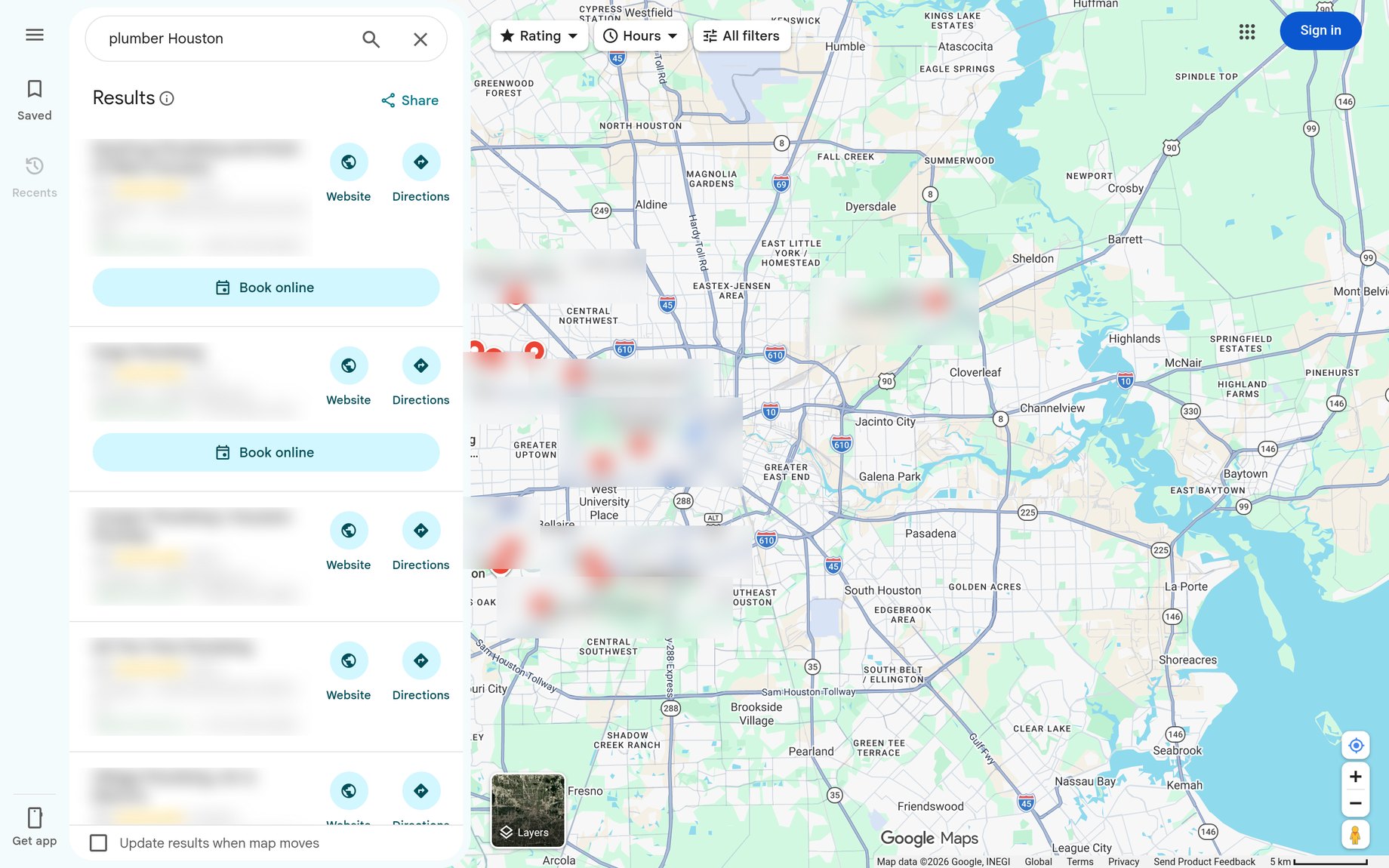
When someone nearby searches on Google for what you do — “plumber near me,” “dentist in Houston,” “HVAC repair” — Google can show a Business Profile on Search and on Maps.
That panel is often the first look people get at your name, hours, photos, reviews, and a button to call or get directions.
 1
A profile is free to add. Google’s own help says you can add your business to Google at no charge. The point of this guide is to set that profile up the way Google asks you to, so customers can find the real business — not a blank or half-finished listing.
This is not a ranking promise. Showing up well still depends on being eligible, entering accurate information, and keeping the profile complete. andwright can help with Google Maps SEO and the systems around reviews and follow-up, but the setup itself starts with the official Google steps below.
Want the rest? Get the complete guide.
Every screen, every setting, so you get it right the first time.
You're all set.
Your guide is ready, and a copy is on its way to your inbox.
Download the complete guideWant a second set of eyes on the profile?
andwright can review the listing as part of a free Missed Lead Audit — along with how calls, forms, and follow-up are handled after someone finds you. It starts with a short qualifier, then a time on the calendar if you’re ready to talk.