 ™
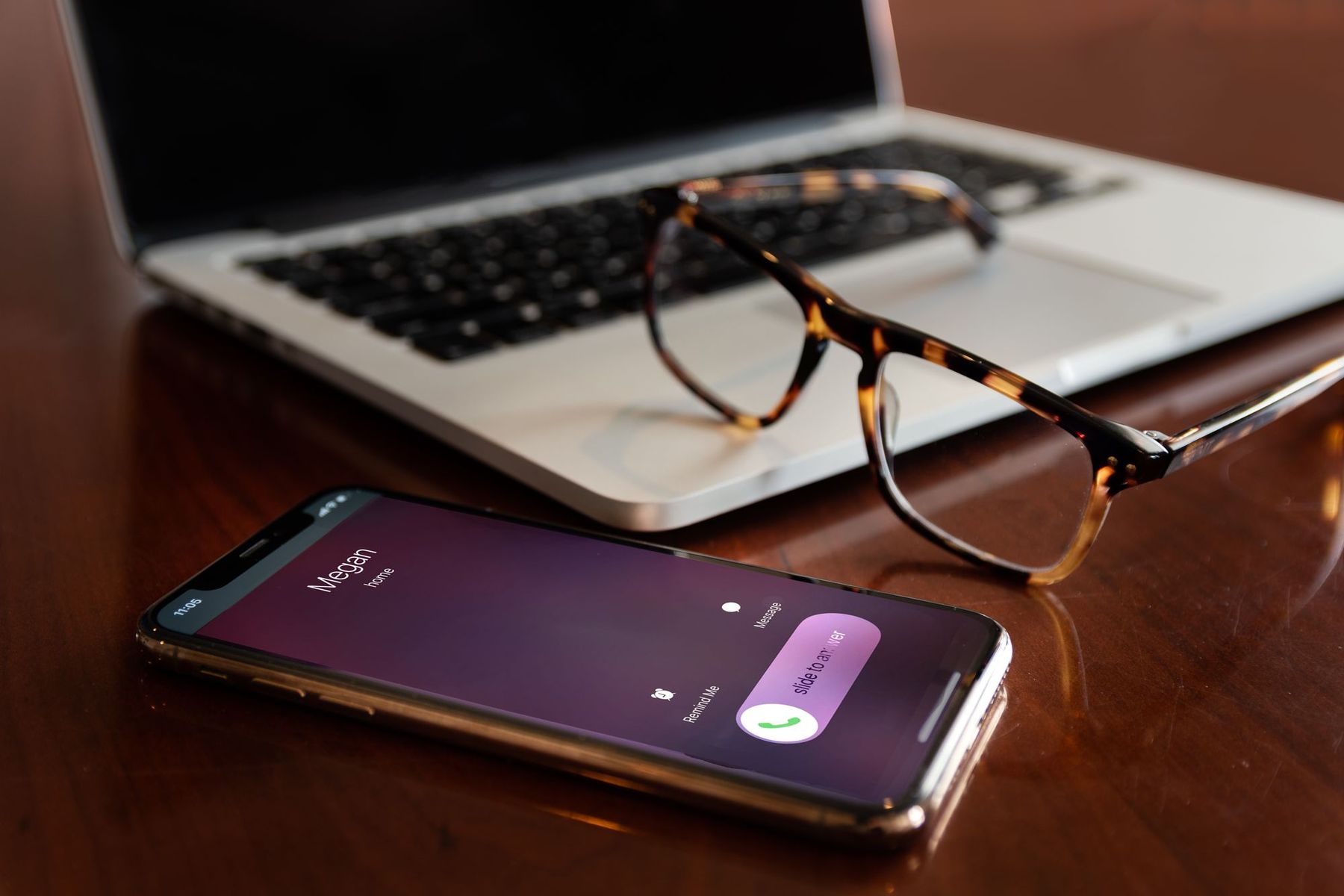
Missed-call text-back is one of the simplest follow-up tools a service business can set up. When someone calls and nobody answers, they automatically receive a text from your business within moments, so the conversation can continue by text instead of ending at voicemail.
It sounds simple, and it is. But there are a few moving parts, and understanding them helps you set it up well. This article walks through how it works, step by step, and what to decide along the way.
01Step 1: The call comes in to a number the system can see
Missed-call text-back needs to know when a call was missed. That means calls must ring through a phone system that can detect missed calls and send texts. In practice, that is usually one of these:
- A business phone number provided by your CRM or a texting platform, which forwards calls to your cell or office phone.
- A business phone system (VoIP) with built-in automation or an integration.
- Your existing number, ported to or connected with a provider that supports text-back.
An ordinary personal cell phone plan usually cannot do this on its own. If you want to keep your current business number, ask your provider whether it can be connected or ported. Porting takes some time, so plan for it.
02Step 2: The system decides the call was missed
A call is usually counted as missed if it is not answered within a set number of rings or seconds, or if it goes to voicemail. You choose the rules. For example, you might wait 20 seconds before treating a call as missed, so your team has time to pick up.
You can also decide whether calls during business hours ring the whole team first, and whether calls after hours go straight to the text-back flow.
03Step 3: An automatic text goes out
Within moments of the missed call, the system sends a text to the caller's number. A good first text:
- Names your business.
- Acknowledges the missed call.
- Says when a person will follow up.
- Invites the caller to reply by text.
- Includes a way to opt out.
For example: "Hi, this is Bayside Plumbing. Sorry we missed your call. We're on a job and will call you back within the hour. If it's easier, reply here with what you need. Reply STOP to opt out."
The free Text-Back Template Pack has versions for different situations, including after hours.
04Step 4: The caller replies, and a person sees it
Many callers reply by text, often with exactly what they need: "Water heater is leaking, can someone come today?" That reply should land in a shared inbox or CRM conversation that your team checks, with a notification to the person who owns new leads.
This is where setups often fail. If replies land somewhere nobody looks, the text-back just delays the disappointment. Make sure a named person is notified and responsible. Who Owns the Lead? covers how to assign that.
05Step 5: A person follows up
The automatic text buys time. It does not close the job. A person should call back or reply within the time you promised, answer the question and move toward a next step, such as an appointment or an estimate. The Missed-Call Text Is Not the Whole Follow-Up covers what happens after the first reply.
If the caller does not reply to the text, a callback still matters. Some people do not text, and some did not notice the message.
06Step 6: Everything is logged
A good setup records each missed call, each text and each reply in the CRM, attached to the contact. That lets you see who called, what they needed and whether anyone followed up.
It also gives you numbers: how many calls were missed, how many callers replied, and how many became booked work. Five Lead Numbers Worth Checking Every Monday shows how to use them.
07Things to set up correctly
- Carrier registration. In the U.S., business texts sent through software from a 10-digit number usually need A2P 10DLC registration through your provider. Unregistered messages are more likely to be filtered.
- Consent and opt-out. Identify your business, include opt-out instructions, and honor STOP requests immediately. Texting Customers: Consent and Opt-Out Basics covers this. This is not legal advice.
- Exclusions. You may want to exclude known numbers, such as vendors, family and existing staff, so they do not get the automated text.
- Quiet hours. Decide what happens after hours. Many businesses send a short acknowledgment and follow up in the morning.
- Voicemail. Update your voicemail greeting to mention that callers will also receive a text.
08Test it before you rely on it
- Call your business number from a phone that is not on the exclusion list.
- Let it ring out.
- Check that the text arrives, that it reads well, and that a reply reaches the right person with a notification.
- Test again after hours.
Repeat after any change to your phone setup.
Missed-call text-back is not a full follow-up system on its own, but it closes one of the most common gaps in a small business: the call that rings while everyone is busy.
Start with the first text.
The free Text-Back Template Pack has wording for missed calls and after hours. If you want text-back running on your line, connected to your CRM, andwright™ can set it up.


